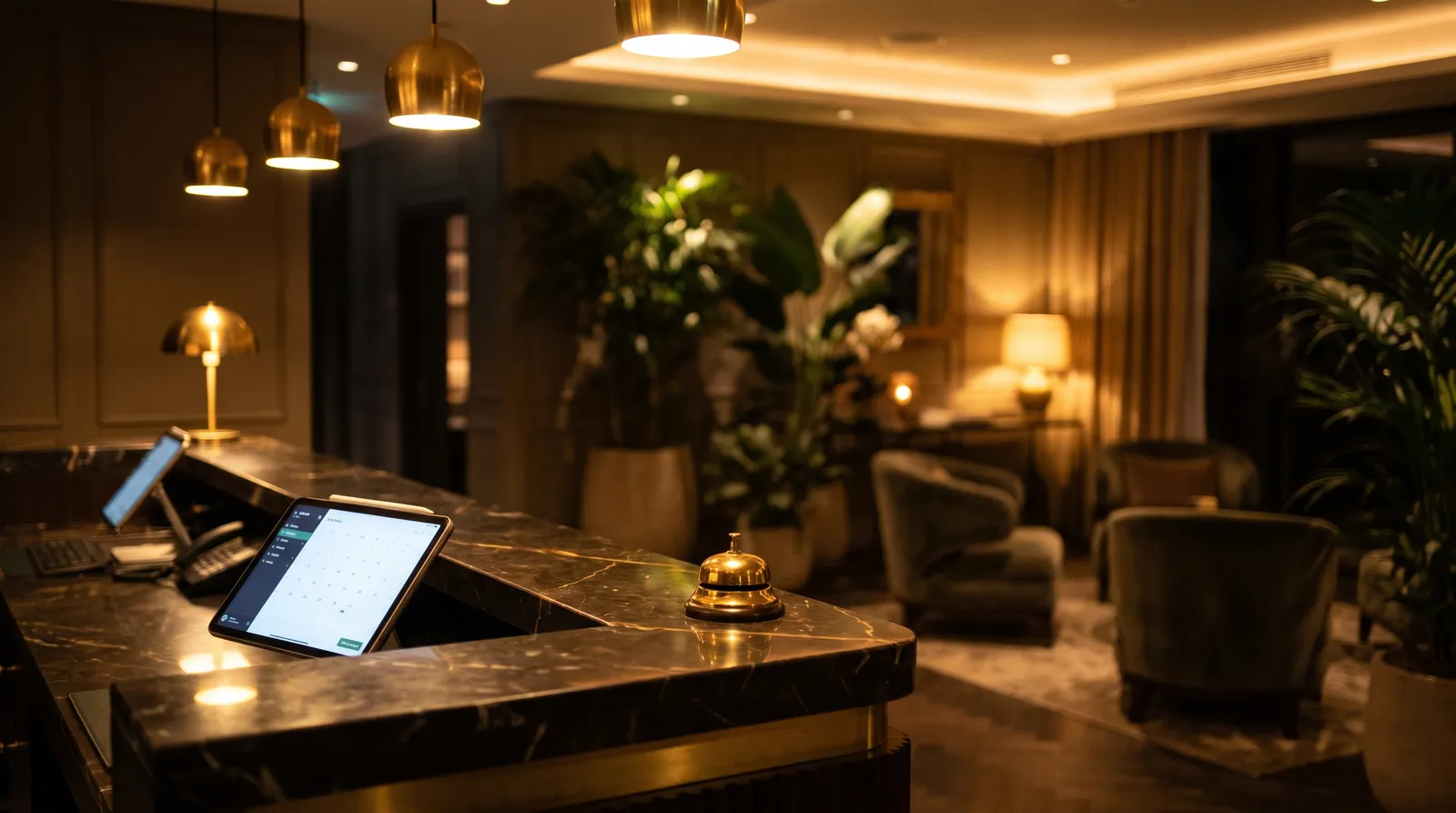
Every restaurant, café or hotel bar with a cash register has two quiet numbers in its daily report: receipts voided after payment and drawer openings without a sale. Most of the time they are honest: a wrong item, a customer who changed their mind, change for a colleague. But they are also the two places where small losses hide, because the report alone cannot tell you which is which.
What to look for in the report
- Voids after payment. A receipt cancelled after the customer has already paid deserves a closer look than a correction made before payment. Note the time, the register and the shift.
- No-sale openings. Count how often the drawer opens without a transaction, and compare shifts and registers rather than people.
- Patterns, not single events. One void means nothing. The same pattern repeating at the same time of day, at the same register, is worth understanding.
Why the report is not enough
A POS report tells you that something happened, never what happened. Was the void a genuine correction or a sale that was paid in cash and then removed? Was the drawer opened to give change or for something else? Without context, owners either ignore the numbers or start suspecting the wrong person. Neither is good for the team.
What the camera adds
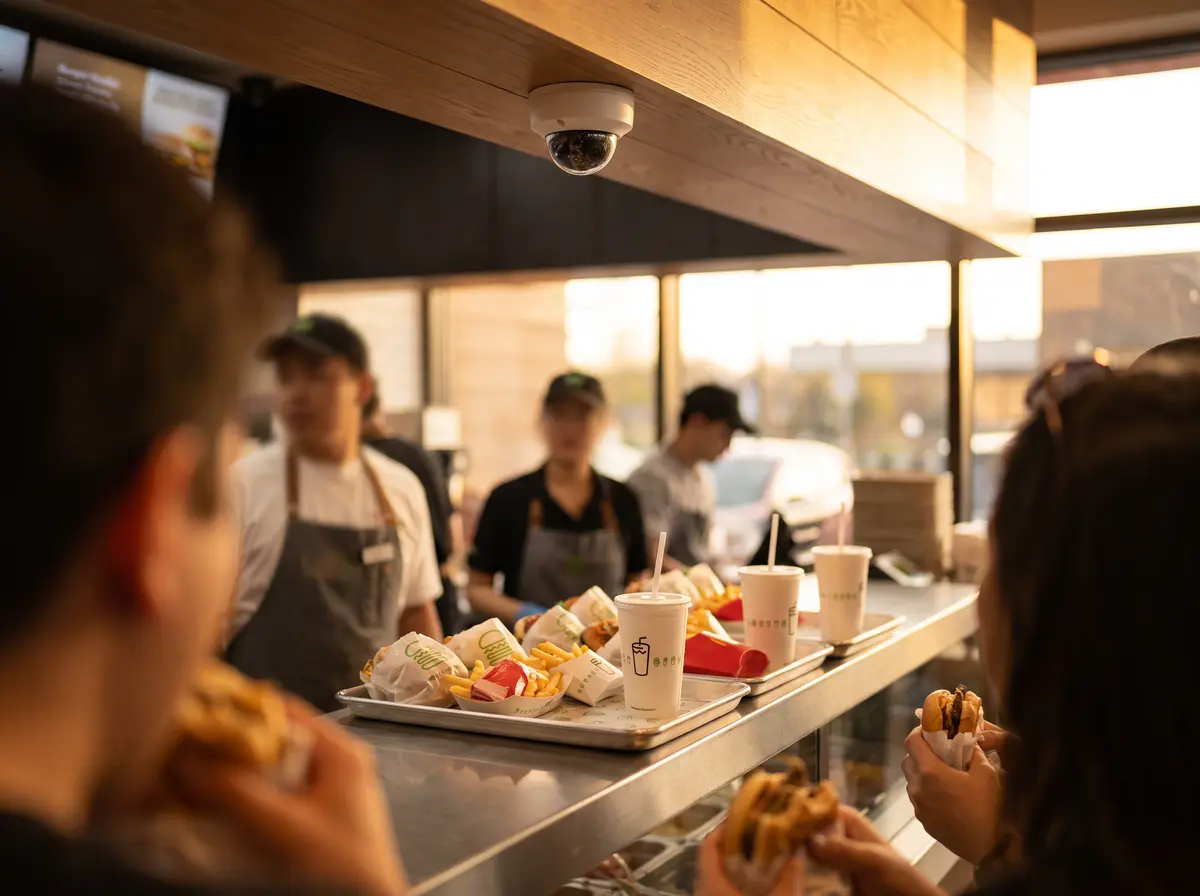
Most venues already have cameras over the counter, but nobody has time to search hours of footage. Vigilessa, built by the same team behind AI Receptionist, runs AI on the cameras you already own and links what the camera sees to what the register records. When a receipt is voided after payment or the drawer opens without a sale, you get a short video clip on WhatsApp, together with the receipt, so you can see the moment instead of guessing.
How to use it fairly
- Inform your team about video monitoring before you start, and follow your national rules and the GDPR. Check the details with your advisor.
- Look at clips together with the person involved before drawing conclusions. Most cases have a simple explanation.
- Use the reports by shift and register to fix processes, for example who may void a receipt and when.
Your AI receptionist makes sure no guest call goes unanswered. Vigilessa makes sure nothing at the till goes unnoticed. You can see how it works on vigilessa.com and ask for a demo using your own recordings.